For KOLs & creators · one app, three jobs

Download video, fix subtitles, cut clips

Video download from 1750+ sites, 16 subtitle tools and 8 video tools — all inside one desktop app. No quotas, nothing uploaded, open and go on Mac or Windows.

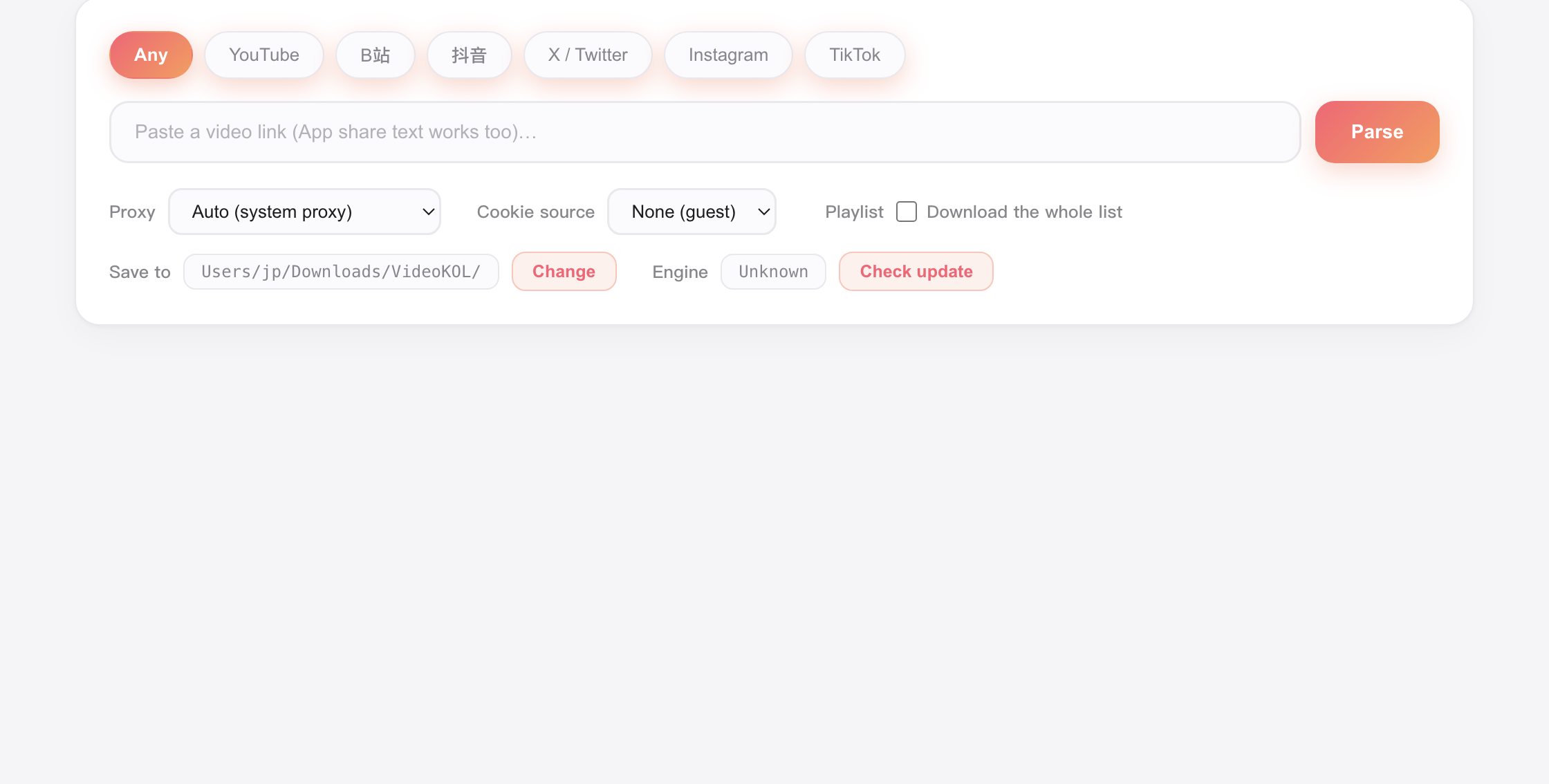
VideoKOL desktop app — video download

Free macOS & Windows No account Nothing uploaded

Video Downloader

Paste a link and pull the video, audio and subtitles straight to your machine. The parser and ffmpeg are built in, so 4K/8K streams get muxed automatically — it all runs on your own computer.

  • YouTube, Bilibili, Douyin and 1750+ other sites
  • Auto muxing, or video-only / audio-only
  • Grab subtitles in several languages at once, as .srt or embedded
  • No quota, no ads, and nothing passes through a server
Read more

Subtitle Toolkit

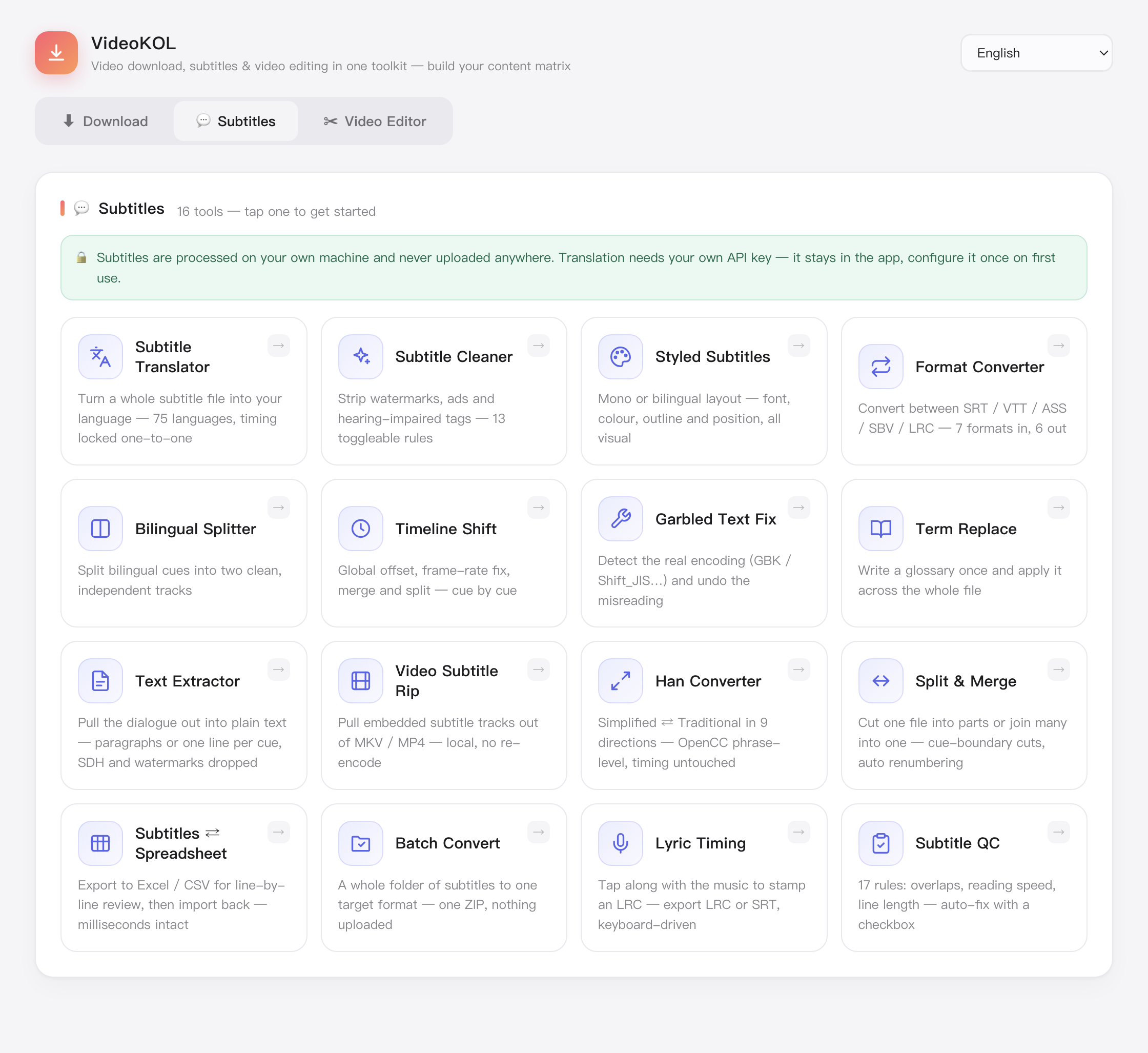
Translate, clean, convert, retime, batch-process and QC — 16 subtitle tools covering every step from the raw file to the burned-in track, without switching apps.

  • SRT / VTT / ASS / TXT / LRC, converted both ways
  • Timeline kept 1:1, splits shared by duration — no drift
  • Consistent glossary, punctuation-aware wrapping
  • Single, bilingual or top/bottom split on export
See all 16 subtitle tools

Video Toolkit

Cut, pull audio, burn subtitles, compress, make GIFs, grab covers, change speed or join clips — ffmpeg is built in, so you drop a file in and go.

  • Frame-accurate cuts; fast mode stream-copies in seconds
  • Burn subtitles with ASS styling kept; preview is the result
  • Compress with H.264 / H.265 toward a target size
  • GIF, cover frames, speed change, multi-clip join
See all 8 video tools
01

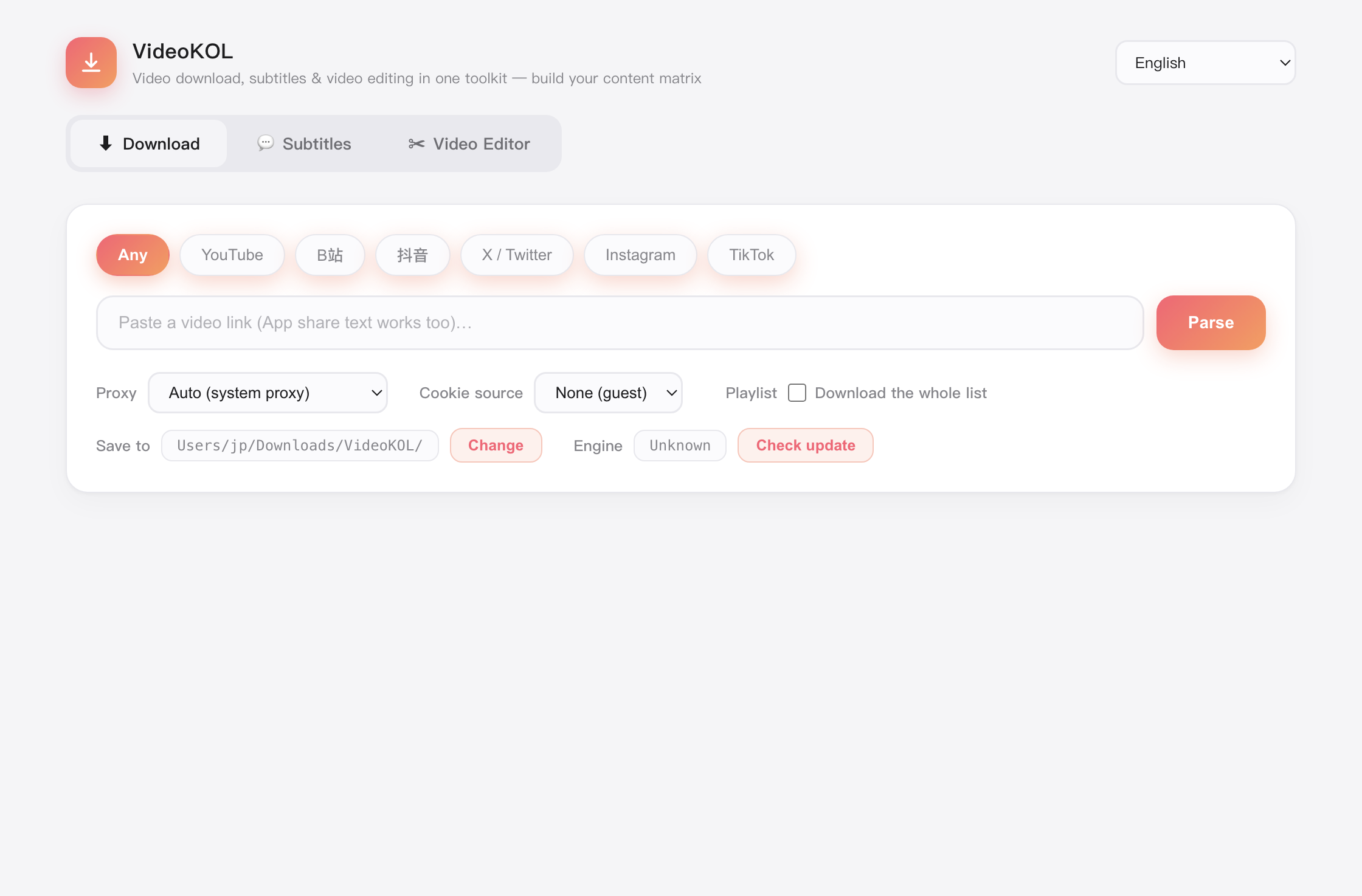
Paste a link. The rest is handled.

Resolution, audio track and subtitles are listed for you. Pick what you need and download — 4K and separate streams get merged on your machine.

  • Auto muxing, or video-only / audio-only
  • Grab subtitles in several languages at once, as .srt or embedded
  • No quota, no ads, and nothing passes through a server
VideoKOL — Download
Paste a video link into VideoKOL
02

From raw subtitles to a finished cut, no app switching.

Translate and clean the text, burn it in with styling intact, then compress or cut for the platform you publish on.

  • Burn subtitles with ASS styling kept; preview is the result
  • Timeline kept 1:1, splits shared by duration — no drift
  • Compress with H.264 / H.265 toward a target size
VideoKOL — Subtitles
Subtitle tools inside VideoKOL

A typical workflow

Chain the three toolsets: from capture to a finished cut

  1. Grab the footage

    Paste a link, pick quality and audio track

    Video Downloader
  2. Get the subtitles

    Tick the source language, save as .srt

    Video Downloader
  3. Work the subtitles

    Translate and proof, export single or bilingual

    Subtitle Toolkit
  4. Cut the final video

    Burn subtitles, compress, make a GIF — ship it

    Video Toolkit

Measured results per platform

Each platform has its own page with the parsing, download, subtitle and audio numbers we measured

Free, and it stays on your machine

Download once for macOS or Windows. No account, no upload, no per-file charge.