Subtitle Translator
Translate a whole subtitle file — the timeline and line count stay put, so it is ready to use.
Home / Subtitle tools
16 tools · built into the clientTranslate, clean, convert, retime, batch-process and QC — every step from the raw file to the burned-in track has its own tool, so you never switch apps.
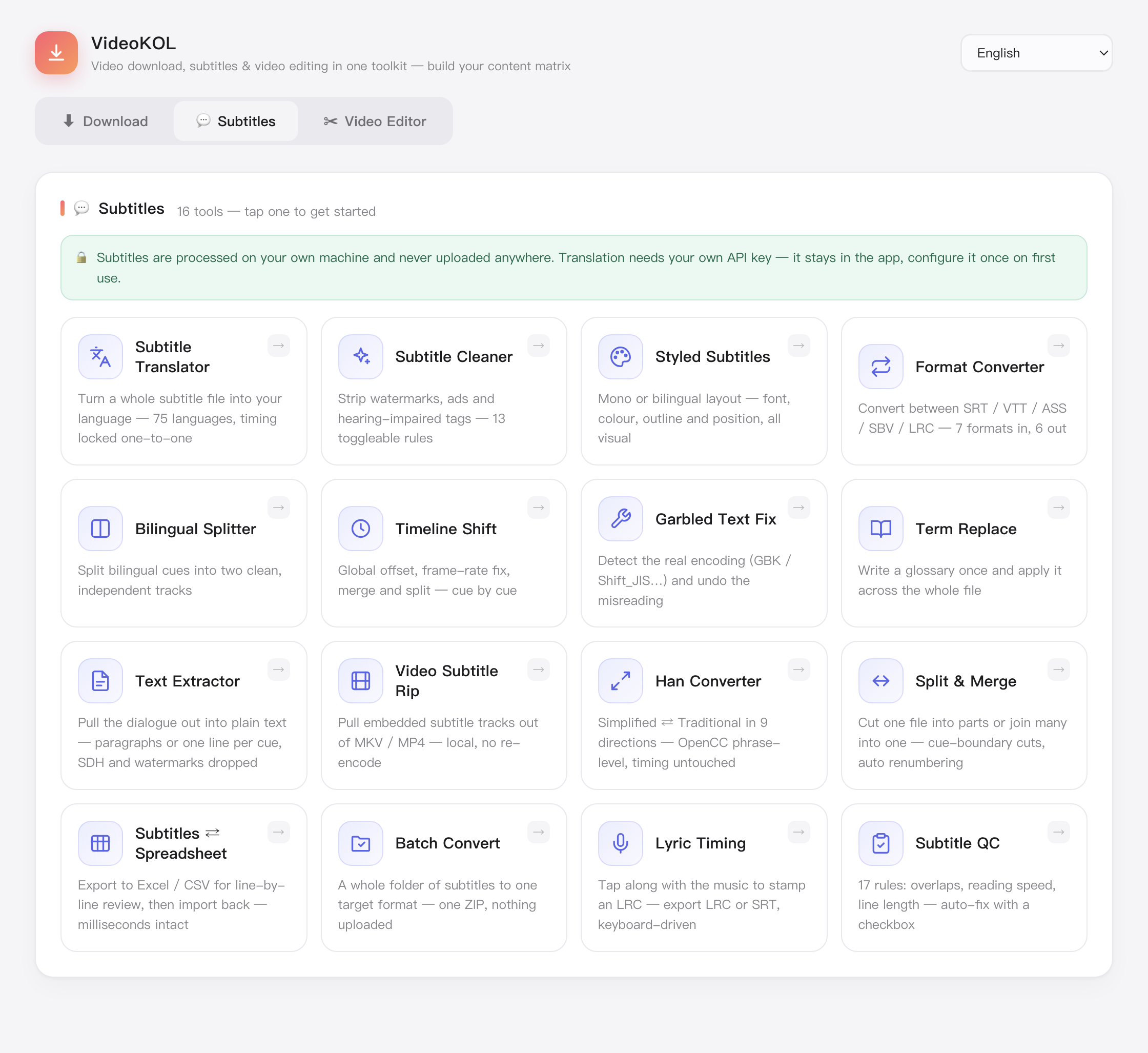
Translate a whole subtitle file — the timeline and line count stay put, so it is ready to use.
Switch between Simplified and Traditional Chinese, with the wording each market expects.
Settle the spelling of names, brands and terms up front so the whole video stays consistent.
Strip fillers, repeated lines and stray blanks; punctuation gets tidied up along the way.
Repair broken numbering, overlapping timecodes and missing endings — rescue a damaged file.
Scan for odd durations, over-long lines and untranslated leftovers, then fix them one by one.
Convert between SRT, VTT, ASS, TXT and LRC — encoding and line breaks handled, no mojibake.
Merge original and translation into one line, top/bottom or side by side, ready to load.
Set font, outline, position and effects once; ASS styling is kept, nothing gets flattened.
Swap between subtitles and LRC lyrics — handy for music videos and cover videos.
Shift the whole track earlier or later, or correct drift that keeps growing over time.
Split by count or duration into parts, or join several subtitle files end to end.
Pull the embedded subtitle track out of a video and save it as an editable file.
Burn subtitles into the picture or attach them as a soft track — one step to a finished video.
Drop in a stack of files and run the same job across all of them — built for whole seasons.
Export to CSV for proofreading, edit in the table, then import it back as subtitles.
Download VideoKOL for Mac or Windows — free, and nothing gets uploaded.