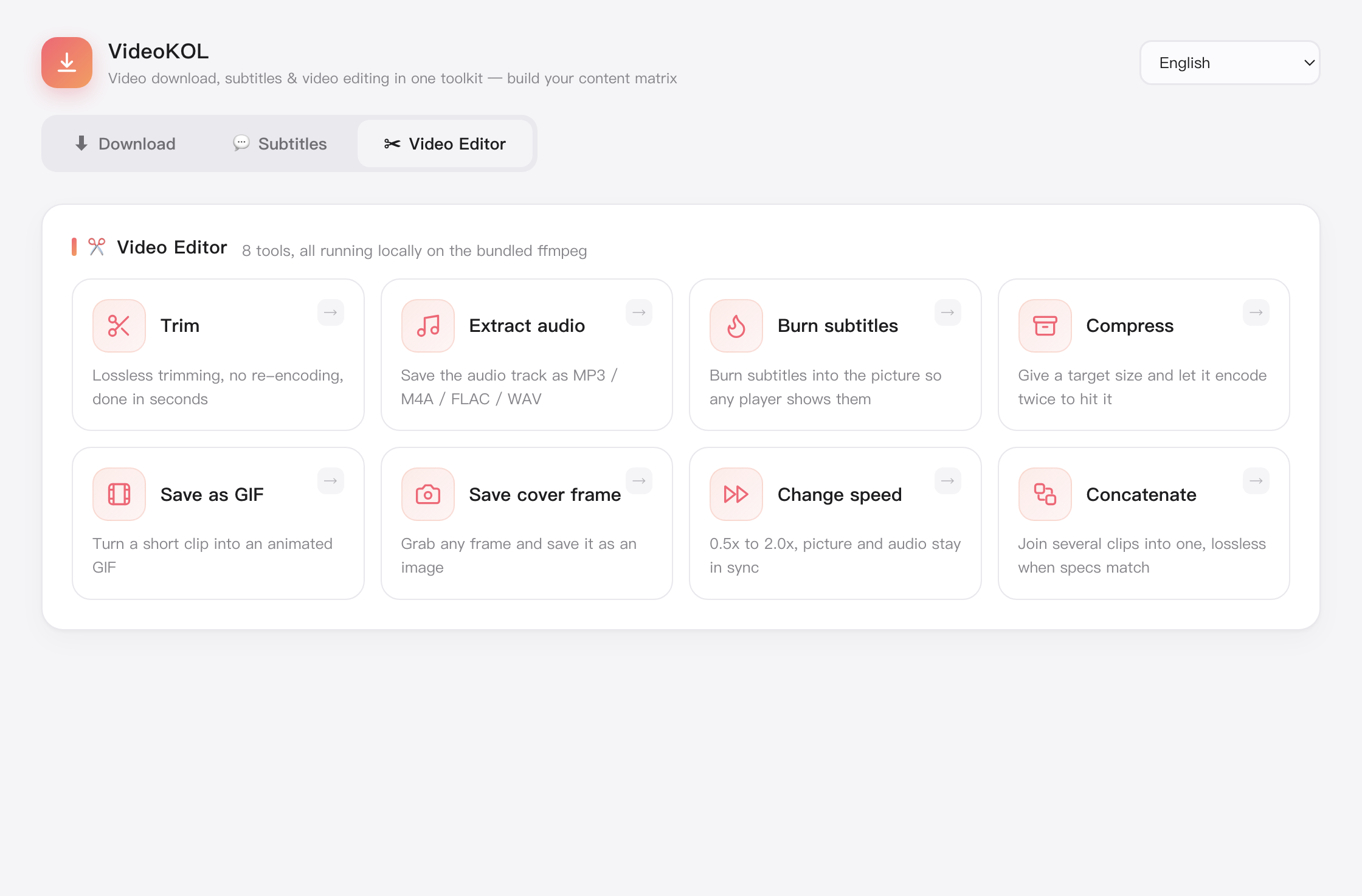
Trim
Drag the timeline to set in and out points, accurate to the frame. Fast mode stream-copies and finishes in seconds.
Home / Video tools
8 tools · processed locally, nothing uploadedffmpeg is already inside, so there is no environment to set up and no upload queue — drop a file in and even a few gigabytes take only minutes.
Drag the timeline to set in and out points, accurate to the frame. Fast mode stream-copies and finishes in seconds.
Pull the audio track out on its own as MP3, AAC or FLAC, keeping the original quality.
Burn subtitles into the picture with ASS effects intact. Files are matched automatically, or you pick one.
Join several clips in order — drag to reorder, and mismatched parameters are unified for you.
Compress toward a target size or resolution in H.264 or H.265, with a live size estimate.
Turn a selected span into a GIF with control over size, frame rate and start/end — size shown before you export.
Freeze any frame and save it as an image for covers or thumbnails, at the source resolution.
Change playback speed from 0.25x to 4x, optionally keeping the pitch — video and audio move together.
Download VideoKOL for Mac or Windows — ffmpeg built in, and it is free.